
How to Use ICD-10-CM, CPT, and HCPCS Indexes and Tabular to Code Correctly
Medical coding correctly is not about memorizing codes. It is about using the correct manual, in the correct order, every time. The best coders consistently follow a repeatable workflow: locate a code in the Index, validate it in the Tabular, apply all rules and instructions, and confirm medical necessity and payer requirements. This article breaks down how to use the Indexes and Tabular sections of ICD-10-CM, CPT, and HCPCS Level II to code with higher accuracy, stronger compliance, and better production.
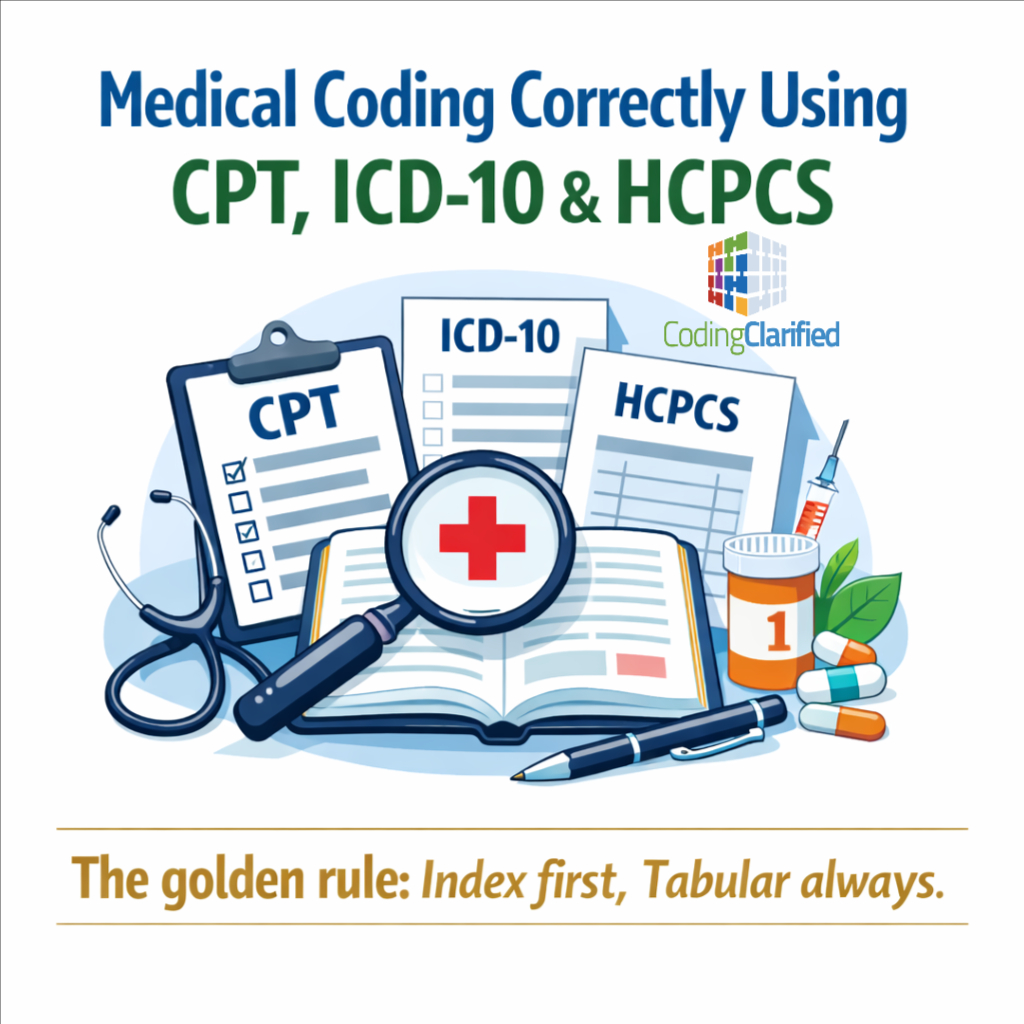
The golden rule: Index first, Tabular always
Across all three code sets, your safest habit is:
-
Start in the Index to locate the likely code range or candidate code
-
Confirm in the Tabular to verify you have the correct code, correct specificity, and all required instructions
-
Apply guidelines and notes (Includes, Excludes1/Excludes2, “code first,” “use additional code,” parenthetical notes, instructional notes, and modifier rules)
Never code from the Index alone. The Tabular is where the “real rules” live.
ICD-10-CM: How to use the Index and Tabular correctly
Identify what you are coding
In ICD-10-CM, you are coding diagnoses: conditions, symptoms, and circumstances that justify medical necessity. Before opening the book, clarify:
-
The provider’s documented diagnosis (or documented symptoms if a definitive diagnosis is not established)
-
Encounter context (initial vs subsequent vs sequela, acute vs chronic, current vs history)
-
Required specificity: laterality, anatomical site, episode of care, severity, complications, trimester (OB), stage (neoplasms), organism (infectious disease), etc.
Use the ICD-10-CM Alphabetic Index (Volume 2)
Use the Index to locate the condition by:
-
Main term (e.g., Diabetes, Pain, Fracture, Infection)
-
Subterms for site, type, etiology, or manifestation
-
Cross-references such as:
-
“see” (you must look under a different main term)
-
“see also” (additional options to consider)
-
For injuries, the Index often routes you through:
-
Injury/Fracture Index (by site and type)
-
External cause entries when documented (how the injury happened)
For neoplasms, use:
-
Table of Neoplasms (benign, malignant primary, metastatic, in situ, uncertain, unspecified)
For drugs and chemicals, use:
-
Table of Drugs and Chemicals (poisoning, adverse effect, underdosing, intent)
Confirm in the ICD-10-CM Tabular List (Volume 1)
Once you have a candidate code, go to the Tabular to confirm:
-
Correct category/subcategory and required characters
-
Laterality (right/left/bilateral)
-
Need for 7th character (commonly injuries and some other categories)
-
Placeholder “X” usage when required to reach the 7th character
-
All instructional notes, including:
-
Excludes1 (cannot be coded together)
-
Excludes2 (may be coded together if appropriate)
-
Code first / Use additional code (sequencing and combo-coding rules)
-
Includes notes (what’s covered by the code)
-
“with” guidelines (conditions linked by “with” in the Index are presumed related unless documentation states otherwise)
-
Validate sequencing and medical necessity
ICD-10-CM code order matters. Confirm:
-
Principal diagnosis (facility) or first-listed diagnosis (professional) rules
-
Etiology/manifestation sequencing when applicable
- Whether the documentation supports the level of specificity required by the code
Medical Coding ICD-10-CM Chapters
CPT: How to use the Index and Tabular correctly
CPT is for physician/professional services and procedures (and many outpatient services). CPT accuracy depends heavily on matching the procedure description, following CPT rules, and applying the right modifiers.
Start with the CPT Index (Alphabetic Index)
The CPT Index helps you locate codes by:
-
Procedure/service name (e.g., Biopsy, Repair, Injection)
-
Anatomic site (e.g., Shoulder, Knee)
-
Condition (e.g., Fracture)
-
Eponyms and common terms
The Index points you to:
-
A specific code, code range, or guideline section
Validate in the CPT Tabular (Category I)
In the Tabular, confirm:
-
The full code descriptor (do not rely on shorthand memory)
-
Parenthetical notes that guide use, bundling, add-on eligibility, or modifier requirements
-
Guidelines at the start of sections/subsections (often tested and frequently missed)
-
Whether a service is:
-
A standalone code
-
An add-on code (must be reported with a primary procedure; never appended with modifier -51)
-
A code that requires a separate report or additional documentation elements
-
-
Whether you must select the correct:
-
Approach (open, laparoscopic, endoscopic, percutaneous)
-
Laterality (if applicable)
-
Extent/complexity (simple vs intermediate vs complex repair; lesion size; number of levels; number of units)
-
Included components (global surgery package concepts)
-
Watch for CPT rules that drive accuracy and production
High-performing coders build these CPT habits:
-
Check for bundling guidance (CPT notes plus payer edits)
-
Confirm separate procedures rules (when a code labeled “separate procedure” is reportable vs included)
-
Confirm global period implications (e.g., post-op visits not separately reportable in many cases)
-
Select the correct E/M level using the current CPT E/M framework (MDM or time, when appropriate), and verify add-on codes when applicable
HCPCS Level II: How to use the Index and Tabular correctly
HCPCS Level II is primarily for supplies, drugs, DME, ambulance, certain outpatient items/services, and many payer-specific reporting needs.
Use the HCPCS Index to locate the likely code range
The HCPCS Index points you to candidate codes by:
-
Common supply or equipment name
-
Drug names (generic/brand)
-
DME descriptors (wheelchair types, braces, oxygen, etc.)
Confirm in the HCPCS Tabular
In the Tabular, confirm:
-
The full descriptor and any included components
-
Units of measure (common error point for drugs and supplies)
-
Required details such as:
-
Route of administration (for drugs)
-
Concentration/strength and billing units
-
DME type/features
-
-
Required modifiers (especially for DMEPOS and certain supplies)
Validate payer policies and documentation
HCPCS accuracy is often payer-driven. Confirm:
-
Coverage criteria (medical necessity requirements)
-
Prior authorization requirements
-
Billing unit rules (especially for J-codes and certain supplies)
-
Correct modifier set (e.g., laterality, DME modifiers, ambulance modifiers)
HCPCS Level ll quarterly updates
What is HCPCS in Medical Coding
Medical Coding HCPCS Medical Supplies
A repeatable workflow that improves both accuracy and production
Use this order as a dependable process:
-
Read the documentation and identify: diagnosis, procedure/service, supplies/drugs, and setting
-
ICD-10-CM: Index → Tabular → guidelines/notes → final specificity and sequencing
-
CPT: Index → Tabular → section guidelines/notes → bundling/modifiers
-
HCPCS: Index → Tabular → units/modifiers → payer policy checks
-
Run edit checks (NCCI, MUE, payer-specific edits)
-
Final QA: Does the code set match documentation, intent, site, laterality, and medical necessity?
Coders who follow the same sequence every time code faster because they reduce rework.
Other medical coding resources that boost efficiency and accuracy
Official guidelines and policy references
These are the “rules of the road” and should be part of daily workflow:
-
ICD-10-CM Official Guidelines for Coding and Reporting
-
CPT section guidelines (printed in the book)
-
HCPCS instructions and payer guidance
-
Medicare and payer policies for coverage and billing rules (when applicable)
How to Increase Medical Coding Productivity
Medical Coding Productivity Standards
Medical Coding Productivity And Efficiency With AI
Decision Health Whitepaper Coding Productivity Standards
Medical Coding Accuracy vs Production Standards
NCCI edits (bundling) and MUE limits
To prevent denials and reduce rework:
-
NCCI edits help identify when procedures are bundled and when modifiers may be allowed
-
MUEs help validate the maximum reasonable units billed for a service
Medical Coding Bundling and Upcoding
LCDs, NCDs, and payer medical policies
These support medical necessity and coverage:
-
Local Coverage Determinations (LCDs)
-
National Coverage Determinations (NCDs)
-
Commercial payer policies and prior auth rules (especially for high-cost services and DME)
Drug references for J-codes and billing units
For drug coding, reliable drug information improves unit accuracy:
-
Strength, concentration, vial size, waste rules when applicable
-
NDC-related payer requirements (when required)
Medical Coding What Are HCPCS J Codes
Encoder and CAC tools (used correctly)
Encoders can speed code look-up, but accuracy depends on coder validation:
-
Treat encoder suggestions as candidates, not final answers
-
Still verify in the manual logic: Tabular rules, guidelines, and payer edits
What Is an Encoder in Medical Coding
Specialty references and anatomy support
Coders increase speed when they understand what they are coding:
-
Anatomy and physiology references (especially for surgical coding)
-
Specialty quick-reference guides (orthopedics, cardiology, OB, anesthesia, radiology, etc.)
-
Medical terminology resources (prefixes/suffixes, common diagnoses, procedure terms)
Productivity tools and QA systems
These improve consistency and reduce mistakes:
-
Personal checklists by specialty (required elements, common pitfalls)
-
Standardized query templates for missing specificity
-
Peer review processes and periodic self-audits
-
Denial tracking logs to identify repeat error patterns
Common mistakes that reduce accuracy and slow production
-
Coding from the Index without verifying in the Tabular
-
Skipping section guidelines in CPT
-
Missing laterality, episode of care, or required characters in ICD-10-CM
-
Incorrect billing units for HCPCS drugs/supplies
-
Using modifiers without confirming payer rules and edit logic
-
Not reconciling the “intent” of the service (diagnostic vs therapeutic, screening vs diagnostic, initial vs subsequent)
The habits that make coders fast and accurate
If you want higher accuracy and better production, build discipline around three habits:
-
Index to locate, Tabular to confirm (every code set, every time)
-
Guidelines and notes decide correctness, not memory
-
Use editing and policy resources to prevent denials and rework